
Quickstart
Create, test, publish, and observe your first B3OS workflow.
This guide walks through the shortest path from a new organization to a published workflow. You can build in the B3OS web app or call the REST API directly.
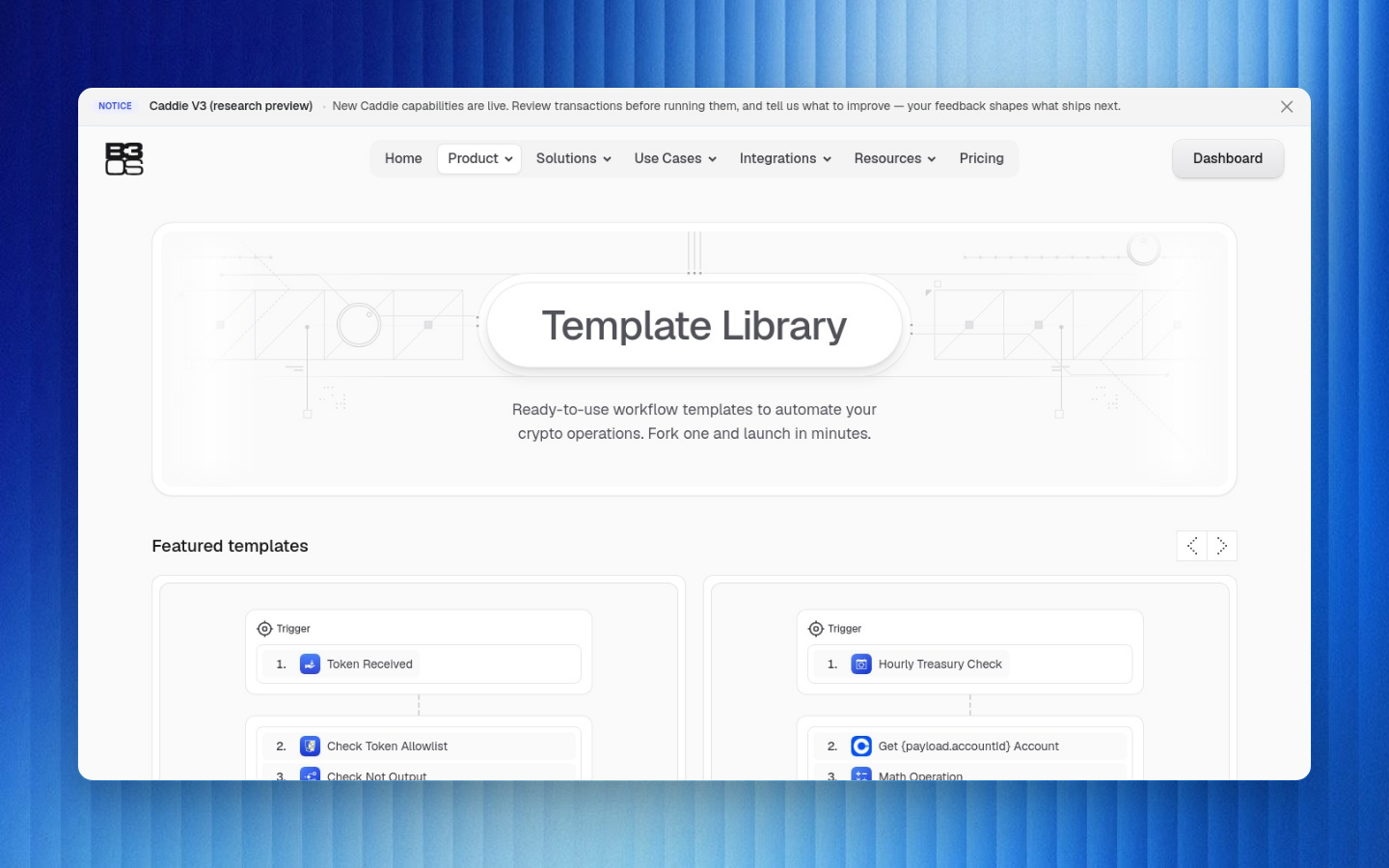
The visual editor is the fastest way to learn B3OS because it validates triggers, action schemas, connector requirements, expressions, and test runs in context.
Create a Workflow
Open or create an organization
Sign in to B3OS, create an organization, and invite teammates only after you have the first workflow running.
Create a workflow draft
Choose a blank workflow, a template, or a Caddie-assisted starting point. Drafts are editable without changing the live version.
Choose a trigger
Use Manual for a first test, Schedule for recurring automation, or a connector/event trigger when you are wiring B3OS to an external system.
Add one or more actions
Add built-in logic, catalog actions, connector actions, wallet actions, or onchain actions. B3OS validates each node against its action schema.
Reference prior data with expressions
Use expressions such as {{$trigger.body.amount}}, {{$nodes.fetchPrice.result.price}}, {{$props.asset}}, and loop variables like {{$item}}.
Test the draft
Run the workflow with sample input. Inspect node status, payloads, masked secrets, timing, and failures before publishing.
Publish the live version
Publish when the draft passes validation. Schedules, webhooks, and event listeners use the published live version.
A published workflow has a versioned definition, an active trigger surface, and run history that can be inspected from the app or API.
Minimal API Flow
Use the API when you need to automate workflow creation, run a workflow from another service, or manage B3OS from your own backend.
bashcurl -X POST https://api.b3os.org/v1/workflows \ -H "Authorization: Bearer YOUR_API_KEY" \ -H "Content-Type: application/json" \ -d '{ "name": "Daily price check", "definition": { "nodes": [] } }'
javascriptconst response = await fetch("https://api.b3os.org/v1/workflows", { method: "POST", headers: { Authorization: `Bearer ${process.env.B3OS_API_KEY}`, "Content-Type": "application/json", }, body: JSON.stringify({ name: "Daily price check", definition: { nodes: [] }, }),});const workflow = await response.json();
pythonimport osimport requestsresponse = requests.post( "https://api.b3os.org/v1/workflows", headers={ "Authorization": f"Bearer {os.environ['B3OS_API_KEY']}", "Content-Type": "application/json", }, json={ "name": "Daily price check", "definition": {"nodes": []}, },)workflow = response.json()