
Workflows
Workflow definitions, graph structure, lifecycle, versions, visibility, runs, and public execution.
A B3OS workflow is a durable, versioned graph. It starts from a trigger, resolves inputs and expressions, executes nodes, persists node-level state, and exposes run history through the app, streams, and API.
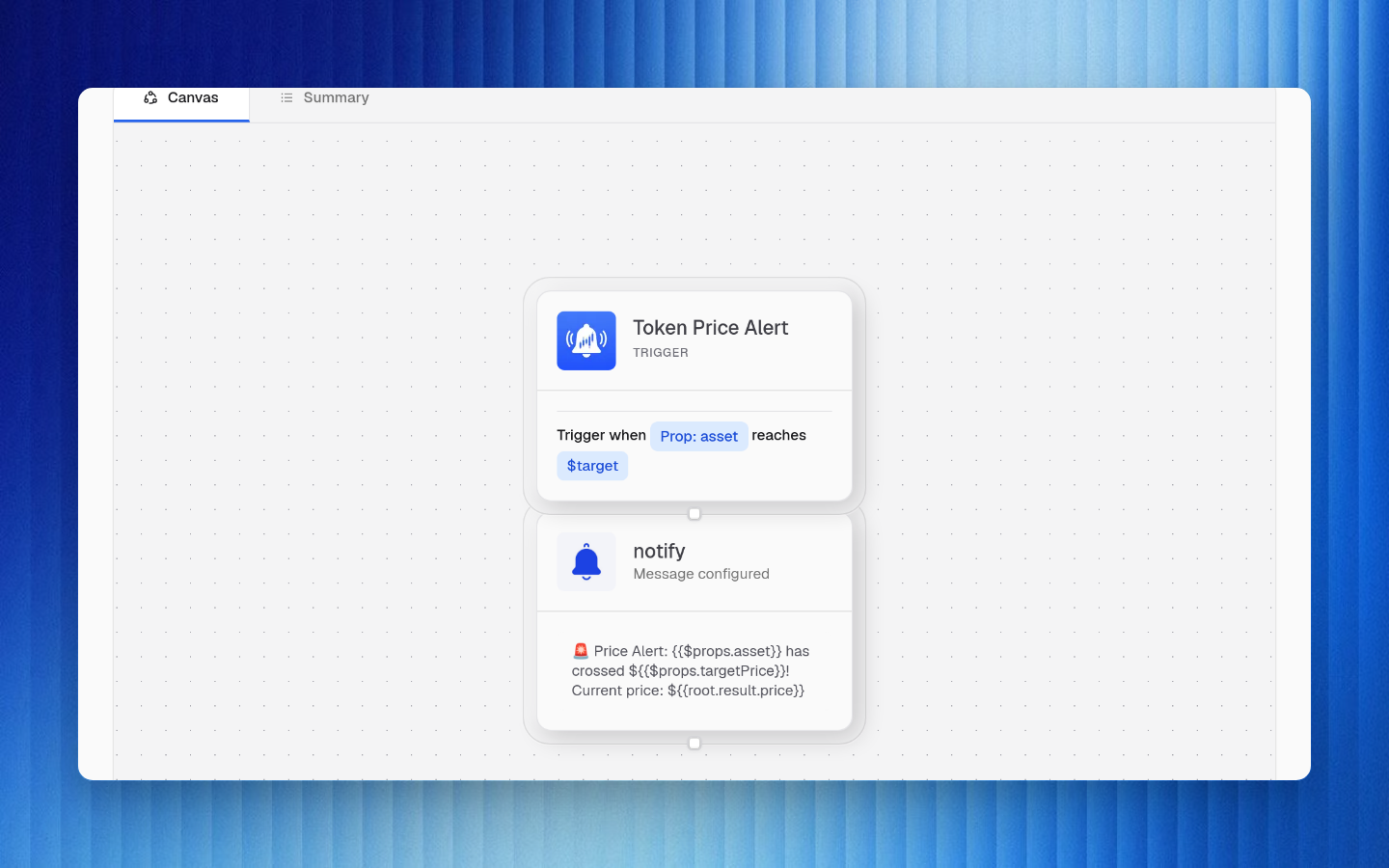
Definition Shape
At a high level, a workflow definition contains:
| Field | Purpose |
|---|---|
nodes | Graph nodes for actions, logic, control flow, waits, loops, branches, and child workflows |
inputSchema | Optional schema for manual, API, public, or template-driven inputs |
props | Reusable workflow values referenced with {{$props.key}} |
blockExpansions | Snapshots used when reusable blocks are expanded into a workflow |
visibility | Controls whether a workflow is private, org-visible, publicly viewable, or publicly executable |
publicWidgetConfig | Optional public widget presentation and execution settings |
Node Model
Each node has a type, title, connector context, payload, output schema, and graph edges. Some nodes also define child collections such as loop bodies or branches.
| Node area | Examples |
|---|---|
| Execution | Catalog action, built-in action, API call, webhook send, managed data query |
| Control flow | Branch, loop, delay, wait, child workflow |
| Data shaping | Format, regex, code transform, unit conversion, min/max, URL parsing |
| Context | Connector selection, wallet selection, input bindings, result schema, block context |
Downstream expressions reference node IDs. Change display titles freely, but avoid changing IDs that are already used by published workflows or templates.
Lifecycle
| Operation | What happens |
|---|---|
| Validate | Checks graph shape, required fields, schemas, connector requirements, and publish readiness |
| Publish | Creates or updates the live version used by automatic triggers |
| Pause | Stops automatic trigger execution while preserving the workflow |
| Resume | Re-enables automatic execution after review or remediation |
| Rollback | Restores a prior live version |
| Discard draft | Drops unpublished draft changes |
Versioning
- Draft edits do not affect the live version.
- Publishing snapshots the draft into a live version.
- Trigger listeners, schedules, public execution, and webhook URLs target the live version.
- Rollback can restore a previous published version.
- Run history remains attached to the version that produced it.
Visibility
| Visibility | Behavior |
|---|---|
private | Visible only to authorized organization users with workflow access |
org | Visible inside the organization |
public_view | Publicly viewable without allowing public execution |
public_execute | Public execution is enabled through configured public surfaces |
Runs and Executions
A run is one workflow invocation. Each node attempt is an execution.
| Object | Useful fields |
|---|---|
| Run | Trigger source, input, status, timestamps, workflow version, failure summary, CU usage |
| Execution | Node ID, node type, status, input, output, error, start/end timestamps, retry/wait metadata |
Run statuses include running, waiting, success, failure, and cancelled. Execution statuses include pending, running, success, failure, skipped, waiting, scheduled, cancelled, and auto_swapping.
Pause Reasons
| Reason | Meaning |
|---|---|
cu_exhausted | The organization does not have enough compute units for continued execution |
disabled_action | A workflow depends on an action that is no longer executable |
consecutive_failures | Repeated failures crossed the configured safety threshold |
Review the latest failed runs, connector health, wallet funding, and action schema changes before resuming an automatically paused workflow.
Public and Embedded Execution
Public workflow surfaces can expose a workflow for viewing or execution. Public execution should be paired with narrow input schemas, rate limits, explicit visibility, and careful connector or wallet permissions.