
Connectors
Store provider credentials once and use them safely across B3OS workflows.
Connectors let workflows call external providers without embedding credentials into node payloads. A connector stores encrypted provider data and exposes only masked metadata to clients.
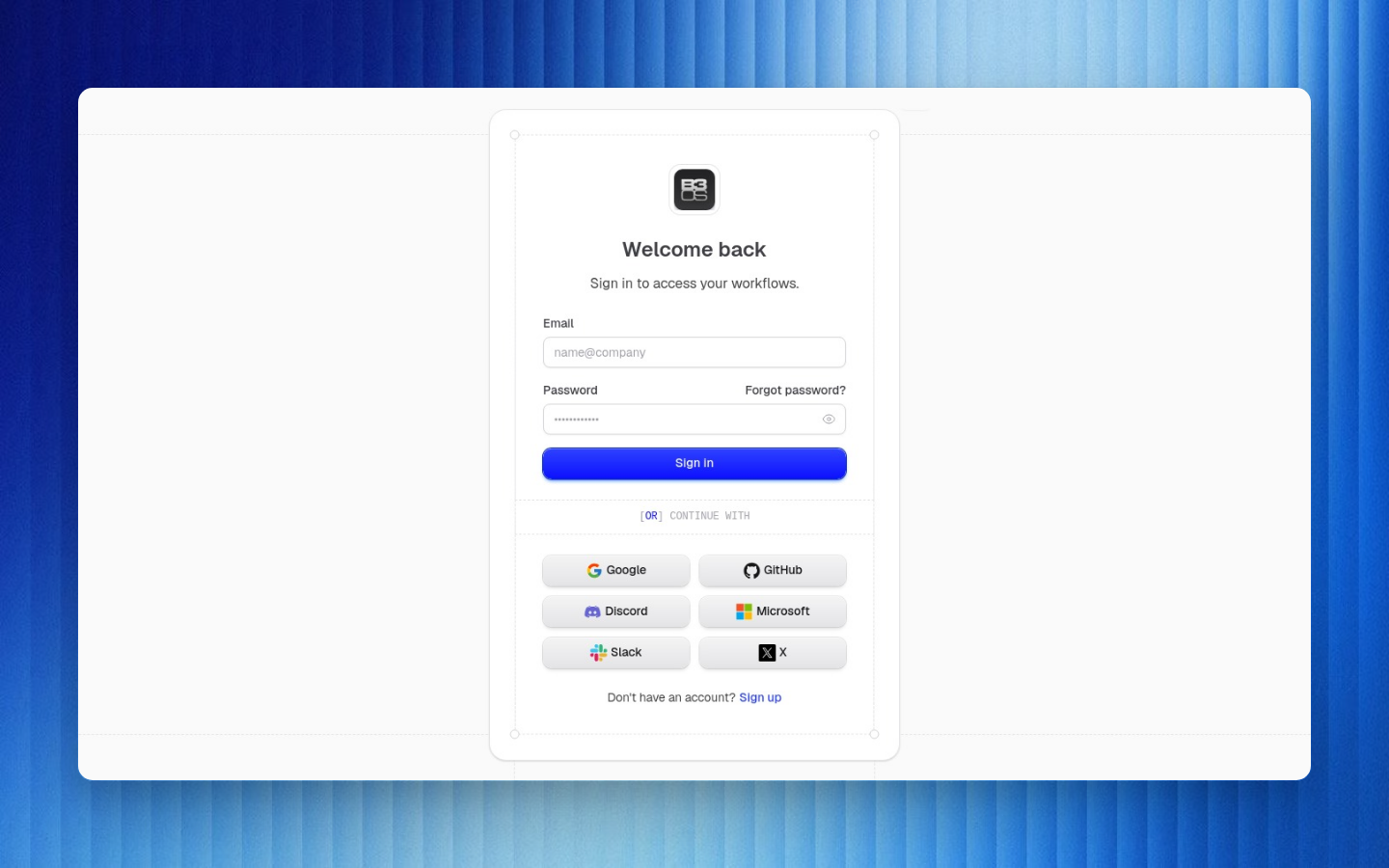
Connector Model
| Field | Meaning |
|---|---|
| Connector type | Provider family such as Slack, Shopify, Gmail, Coinbase Business, Pipedream app, or native integration |
| Organization | Boundary that owns the credential |
| Encrypted data | Secret credential payload, encrypted before storage |
| Masked data | Safe metadata returned to the app or API |
| Status | Whether the connector is usable, needs reconnect, or failed provider validation |
Workflow nodes reference connector IDs and connector types. They do not need provider tokens, refresh tokens, or API secrets in the node payload.
Common Connector Families
| Family | Examples |
|---|---|
| Native messaging | Slack bot and event workflows |
| Native commerce | Shopify order and inventory workflows |
| Email and productivity | Gmail and Google Sheets through connector-backed integrations |
| Payments | Coinbase Business, Stripe, and payment event flows |
| Pipedream apps | Broad SaaS app coverage exposed through Pipedream app connectors |
| Crypto providers | Data, wallet, RPC, analytics, and DeFi provider integrations where required |
Using Connectors in Workflows
- Create or connect the provider account in organization settings.
- Add an action or trigger that requires the connector type.
- Select the connector from the node configuration.
- Test the workflow to validate provider access.
- Monitor failed runs for expired credentials or provider-side permission changes.
Rotation and Removal
| Event | Action |
|---|---|
| Teammate leaves | Review connectors they created or owned |
| Provider token expires | Reconnect the provider account |
| Provider scope changes | Reauthorize with the required scopes |
| Credential exposed | Rotate the provider credential and reconnect |
| Workflow no longer needs provider | Remove or archive unused connectors |
Share connector type, provider account label, and required scopes. Never paste raw tokens into workflow descriptions, Caddie chat, support messages, or docs.
Native Slack Notes
Slack triggers and actions commonly require bot token scopes, event subscriptions, channel access, and interactivity configuration. Keep Slack workflows explicit about which channels they listen to and where they can post.
Pipedream Notes
Pipedream-backed connectors expand SaaS coverage. Use them when B3OS does not have a native connector for a provider or when you need a provider-specific trigger/action supported through Pipedream.