
Triggers
Event sources that start B3OS workflow runs.
Triggers create workflow runs from manual calls, schedules, webhooks, blockchain activity, SaaS events, messaging platforms, payment providers, market events, and social activity.
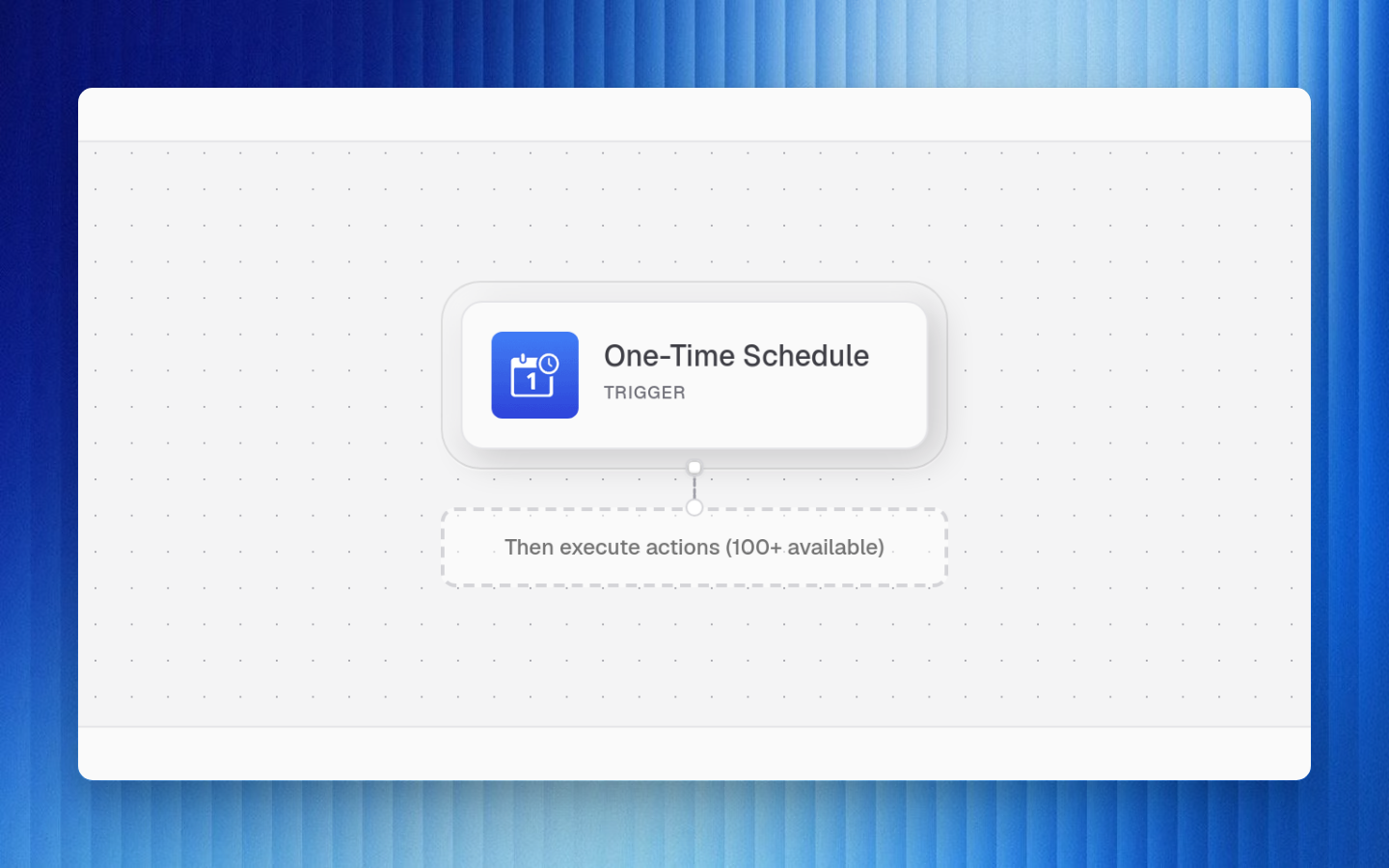
Automatic trigger listeners use the published live version. Draft changes must be tested and published before schedules, webhooks, or event listeners pick them up.
Trigger Families
| Trigger | Use case | | --- | --- | | manual | Start from the app, API, public execution surface, or workflow
webhook URL | | schedule | Declarative time-based scheduling | | cronjob | Cron-style recurring execution |
| Trigger | Use case | | --- | --- | | eth-receive | Native ETH received by a watched address | | eth-send |
Native ETH sent from a watched address | | erc20-receive | ERC-20 token received | | erc20-send | ERC-20 token
sent | | evm-log | Contract log matched by address, topic, and chain filters | | solana-transaction | Solana
transaction activity |
| Trigger | Use case | | --- | --- | | slack-new-message-in-channels | Message posted in selected channels | |
slack-new-direct-message | New direct message | | slack-new-keyword-mention | Keyword mention | |
slack-new-user-mention | User mention | | slack-mentions | Broader mention capture | |
slack-new-reaction-added | Reaction added | | slack-new-channel-created | New channel created | |
slack-new-user-added | User added | | telegram-channel | Telegram channel event | |
telegram-new-interaction-event | Telegram interaction wait/resume event | | gmail-new-email-received | Gmail
message received | | gmail-new-email-matching-search | Gmail message matches a search query | |
email-new-email-received | Email message received | | email-new-email-matching-criteria | Email message matches
configured criteria | | shopify-order-created | Shopify order created | | shopify-order-paid | Shopify order
paid | | shopify-inventory-level-updated | Inventory level updated |
| Trigger | Use case | | --- | --- | | coinbase-payment-received | Coinbase payment received | |
coinbase-checkout-received | Coinbase checkout received | | stripe-payment-receive | Stripe payment received | |
anyspend | AnySpend payment or swap event | | token-price-cexes | CEX token price movement | |
exchange-listing | New exchange listing signal | | polymarket-new-market | New Polymarket market | |
polymarket-market-trade | Market trade event | | polymarket-market-close | Market close event | |
polymarket-user-bet | User bet event | | farcaster-new-cast | New cast | | farcaster-new-follower | New
follower | | farcaster-new-reaction | New reaction | | x-new-tweet | New X post event |
Trigger Payloads
Every run starts with trigger context. Downstream nodes can access it through expressions:
json{ "trigger": { "source": "webhook", "body": { "amount": "100.00", "asset": "USDC" }, "headers": { "x-request-id": "req_123" } }}
Use paths like:
| Expression | Meaning |
|---|---|
| {{$trigger.source}} | Trigger source identifier |
| {{$trigger.body.amount}} | Field from trigger body |
| {{$trigger.headers.x-request-id}} | Header from inbound request |
| {{$inputs.asset}} | Block or workflow input value |
Webhook Triggers
Manual workflows can expose a workflow webhook URL. Use this for systems that can POST an event into B3OS but do not have a first-class trigger yet.
bashcurl -X POST "https://api.b3os.org/v1/webhooks/YOUR_WORKFLOW_SECRET" \ -H "Content-Type: application/json" \ -d '{"asset":"USDC","amount":"100"}'
Rotate webhook secrets when they are exposed, and validate incoming payloads before using them for wallet, trade, or privileged connector actions.
Trigger Design Guidelines
| Need | Recommendation |
|---|---|
| Fast manual testing | Start with manual, then switch to the event source |
| Recurring work | Use schedule or cronjob |
| External system callback | Use a webhook trigger or first-class connector trigger |
| Onchain monitoring | Use specific address, chain, topic, token, or transaction filters |
| Wallet operations | Add policy checks before transaction actions |
| High-noise events | Filter early with branch or code-transform nodes |