
Actions Overview
How B3OS runs built-in actions, catalog actions, connector actions, and wallet actions.
Actions are the work units inside B3OS workflows. Built-in actions handle workflow control and data shaping. Catalog actions add typed integrations, onchain operations, wallet operations, and provider calls managed by B3OS.
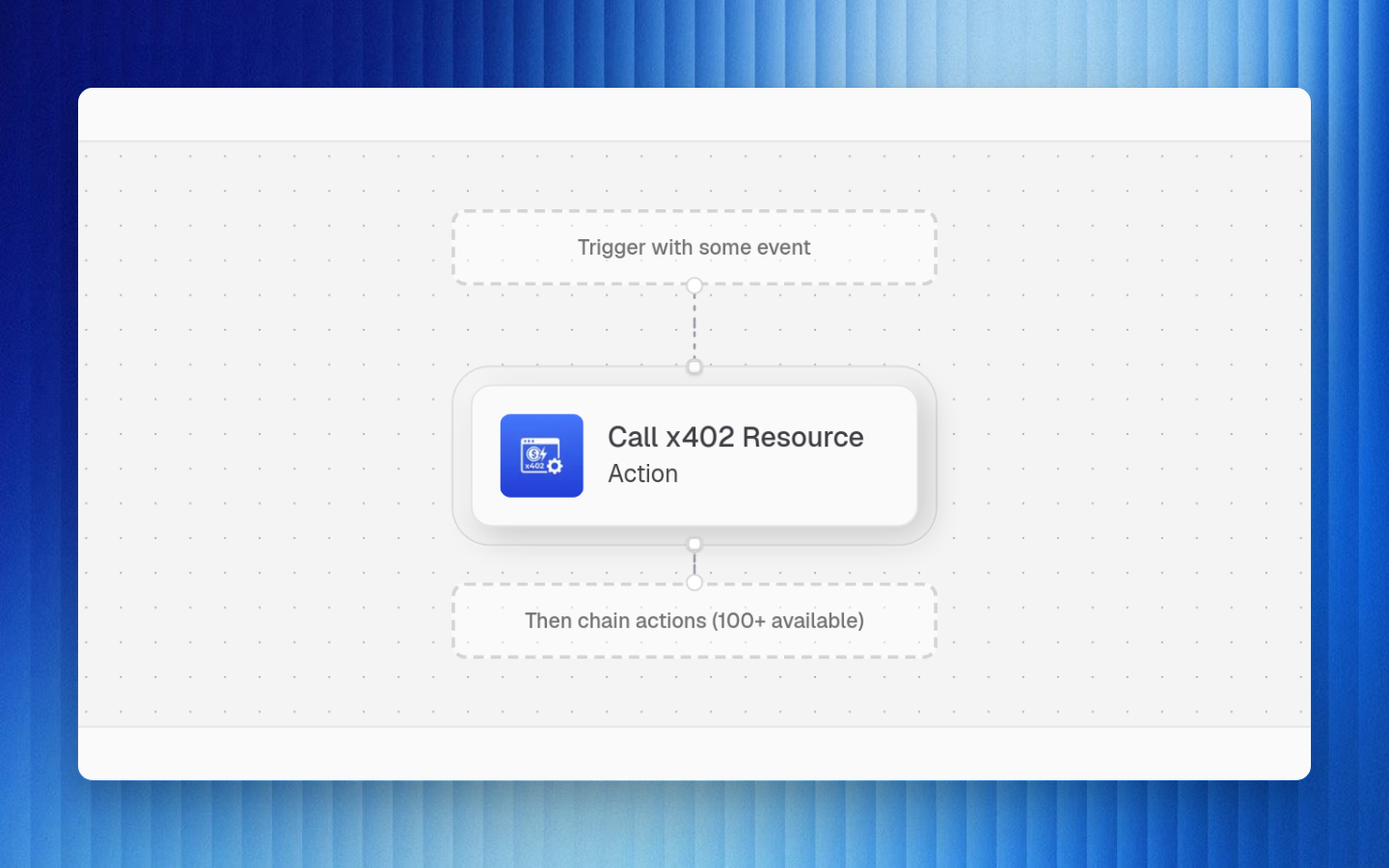
Action Types
| Type | Runs in | Examples |
|---|---|---|
| Built-in actions | B3OS workflow engine | delay, format, regex, db-query, send-webhook, trigger-workflow |
| Catalog actions | B3OS action runtime | Blockchain data, DeFi reads, EVM transactions, Slack, Shopify, Coinbase Business, Farcaster, Solana, utility actions |
| Connector-backed actions | B3OS action runtime | Actions that need encrypted provider credentials |
| Wallet actions | B3OS action runtime and wallet controls | EVM, Solana, and wallet management operations |
| Caddie-assisted actions | B3OS API and Caddie tools | Search action schemas, inspect data, debug runs, read org knowledge |
Execution Contract
Each catalog action exposes:
| Field | Purpose |
|---|---|
actionId | Stable ID used by workflow nodes |
title and description | Human-readable authoring metadata |
category and tags | Discovery and filtering |
inputSchema | Validates node payloads |
outputSchema | Documents result shape for downstream expressions |
connector | Optional provider credential requirement |
| Execution behavior | What B3OS does when the action runs |
Current Catalog Summary
The action library currently contains 368 actions.
| Category | Count | Examples |
|---|---|---|
| Blockchain data | 167 | Token, market, chain, DEX, DeFi, futures, Coingecko, Coinglass, DexScreener, Codex, Dune, Chainalysis |
| EVM onchain | 62 | Contract calls, token transfers, swaps, approvals, session-key and transaction operations |
| Integrations | 92 | Slack, Shopify, Coinbase Business, Pipedream apps, Google Sheets, Firecrawl, Magna |
| Messaging | 3 | Message delivery and notifications |
| Social | 13 | Farcaster, Neynar, Twitter/X, Clanker-style social workflows |
| Solana onchain | 7 | Solana wallet and transaction operations |
| Utility | 22 | Formatting, data, lookup, parser, and helper actions |
| Wallet management | 2 | Organization wallet management surfaces |
Built-In Logic
Built-in actions handle local workflow behavior that should not require a provider call:
| Built-in | Purpose |
|---|---|
delay | Pause execution until a future time |
format | Format strings or structured values |
regex | Extract or test values with regular expressions |
code-transform | Run controlled transformation logic |
db-query | Query organization-managed data |
send-webhook | Send outbound HTTP webhook notifications |
trigger-workflow | Start another workflow |
call-x402-endpoint | Call an x402-protected endpoint |
convert-to-wei / convert-from-wei | Convert token units |
list-min / list-max | Find extrema in lists |
track-position / place-order | Workflow-native trading helper operations |
parse-google-sheets-url | Parse spreadsheet URL metadata |
log | Write a structured log entry |
Runtime Safety
B3OS protects action execution through schema validation, connector isolation, secret masking, sanitized errors, wallet controls, webhook request checks, simulation support where configured, and explicit org permissions.
Use connectors, API keys, service accounts, and wallet configuration instead of placing secrets in workflow inputs, props, or expressions.