
Templates and Blocks
Reuse workflow structure with templates, typed props, and block expansions.
B3OS supports reusable workflow structure through templates, typed props, and block expansions. Use these when the same automation pattern should be installed across teams, campaigns, protocols, customers, or environments.
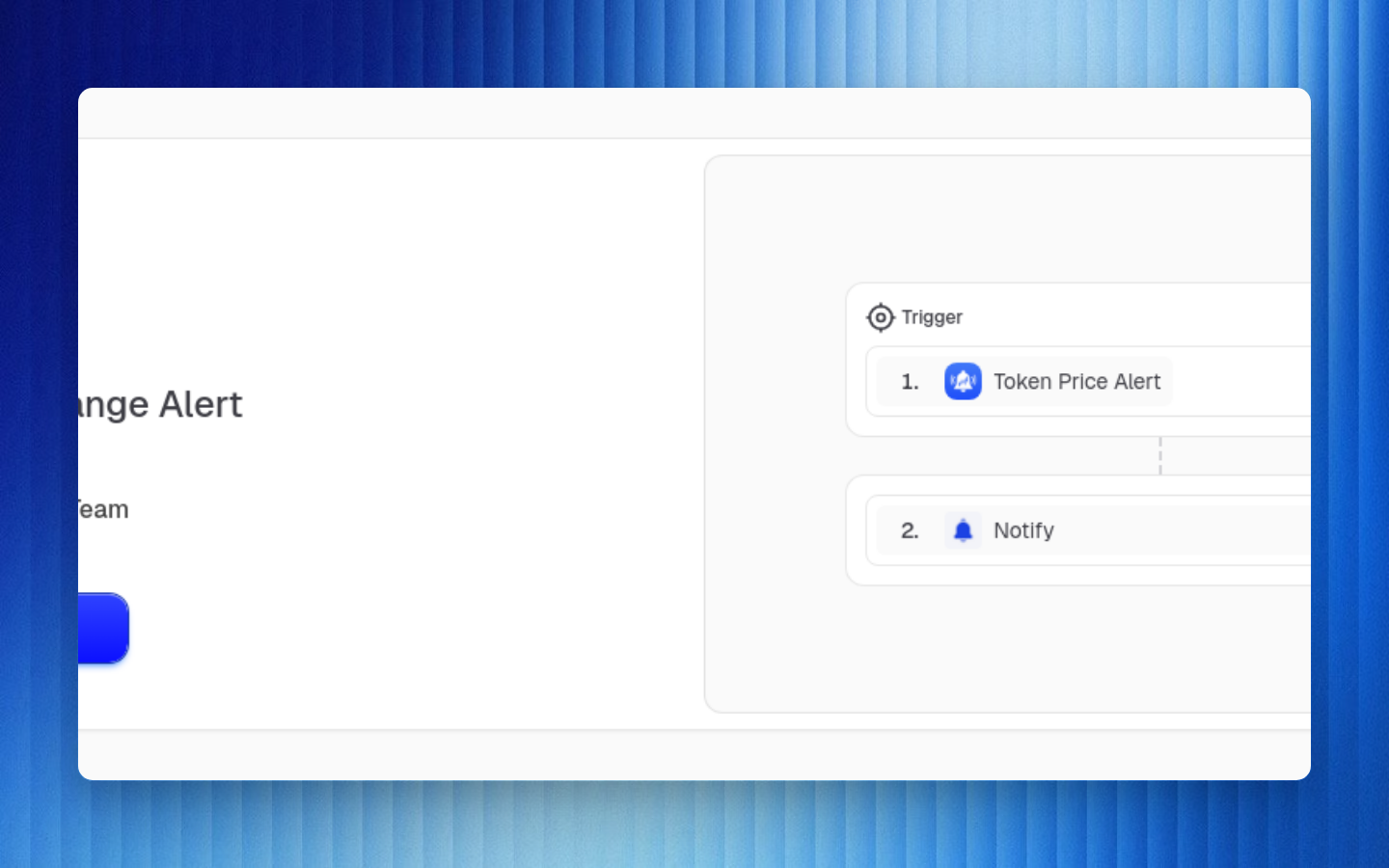
When to Use Templates
| Need | Use |
|---|---|
| Repeat the same workflow shape | Template |
| Customize per organization or customer | Template props |
| Reuse a subgraph inside multiple workflows | Block |
| Let Caddie start from known patterns | Template discovery |
| Publish examples without exposing secrets | Template with connector placeholders |
Template Props
Props are named values that can be referenced anywhere expressions are supported.
json{ "asset": "USDC", "minAmount": 100, "slackChannel": "alerts"}
Use props inside node payloads:
json{ "asset": "{{$props.asset}}", "amountThreshold": "{{$props.minAmount}}", "channel": "{{$props.slackChannel}}"}
Block Expansions
Blocks are reusable graph fragments. When a block is expanded into a workflow, B3OS keeps enough context to understand where the block came from while running the concrete expanded nodes.
Template Safety
Templates should reference connector requirements, wallet requirements, props, and placeholders. They should not include provider tokens, private API keys, webhook secrets, or wallet credentials.
Authoring Checklist
Define the reusable outcome
Write down what the workflow should do and which parts vary per install.
Convert variable values into props
Promote addresses, channels, token symbols, thresholds, and external IDs into typed props.
Use connector placeholders
Reference required connector types instead of a concrete connector owned by your development org.
Test with sample props
Run the template with realistic values and confirm node inputs are valid.
Document operational assumptions
Explain required connectors, wallets, chain support, permissions, and expected event volume.
Caddie Integration
Caddie can search workflow templates and use them as a starting point. Good templates improve Caddie-assisted workflow creation because they provide known-safe graph structure and prop names.
Prefer names like asset, minUsdValue, destinationChannel, and walletAddress over opaque abbreviations. Clear
prop names make templates easier to edit and easier for Caddie to use correctly.